import { useSetFocus } from '@uhg-abyss/mobile';Usage
The hook returns a function that consumes a ref object. Call the function to move screen reader focus to the target element.
Warning
For accessibility focus to work correctly, you must provide accessible={true} on the element that needs to be focused. This ensures the element is recognized by screen readers.
const setFocus = useSetFocus();const myRef = useRef(null);
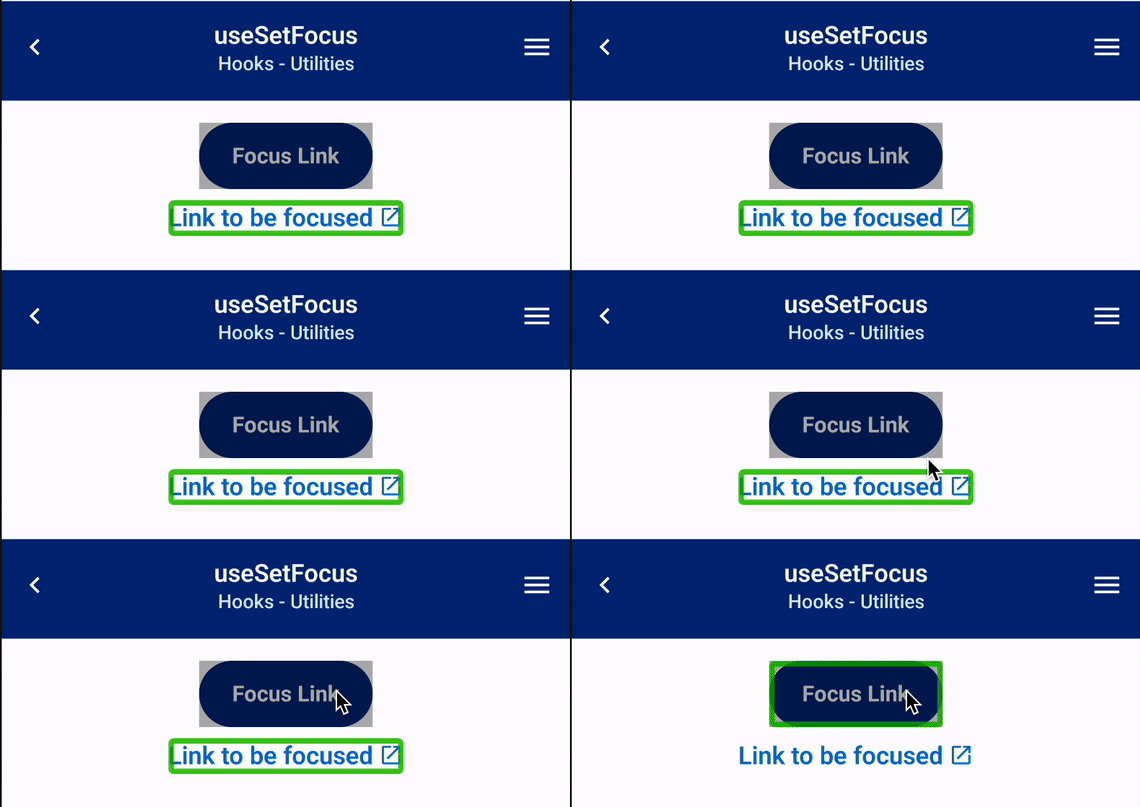
return ( <> <Button onPress={() => { return setFocus(myRef); }} > Focus Link </Button> <Link href="https://google.com" ref={myRef}> Link to be focused </Link> </>);Example
In the example below, Android's Talkback can be seen focusing the bottom text when the Focus Text button is pressed.